Color and style controls
Enter legacy & or § codes, or use the controls for color, bold, italic, underline, strikethrough, and obfuscated text. Add reset codes when you want later words to return to their normal style.

Type a message and inspect it in a pixel-style or clean browser preview. Add legacy color and style codes, try a gradient, or start from an editable server notice template. The output panel can provide § codes, & codes, RGB codes, MiniMessage, JSON, or plain text.
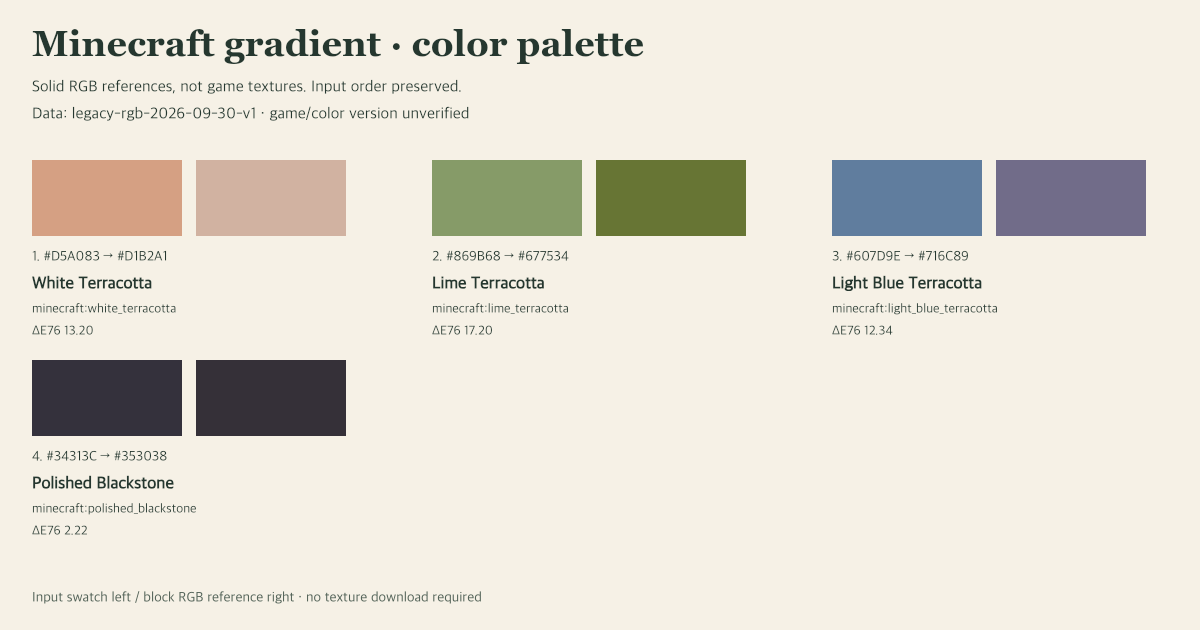
Text support differs between Minecraft editions, commands, and server plugins. Choose the format accepted by your destination and test it there; the browser preview is a design aid, not a guarantee of identical in-game rendering. You can also export the preview as a PNG for graphics outside the game.


Keep building
Explore a related tool for the next part of your Minecraft build.
FAQ
Answers about output formats, plugin compatibility, and in-game testing.
Fan-made tool, not affiliated with Mojang or Minecraft.
Input accepts legacy & or § color/style codes. RGB, MiniMessage and JSON are output formats, not input syntax.
Presets store text, colors, font and output settings, not uploaded textures. Import replaces the collection only if every preset is valid; an invalid file changes nothing.
PNG uses this browser font and explicit line breaks, not automatic wrapping. Obfuscated text is only approximated; it is not the game’s animated effect.
For destinations that accept § codes. Gradients are reduced to the nearest of the 16 legacy colors; not a complete command.
§6§lServer Update§r §fNew season starts §bFriday 8PM§r!