Minecraft Circle GeneratorMinecraft Circle Generator
Command builder
Java-ready
Bedrock-ready

Minecraft Command Generator

Build Minecraft commands faster with a practical workspace for give, summon, tellraw, title, and effect syntax. Switch between Java and Bedrock, start from real templates, and copy or export the final command when it is ready to test.

Starter templates
Pick a proven starting point, then change the syntax only where your world actually needs it.
Command types
Command builder
Command output
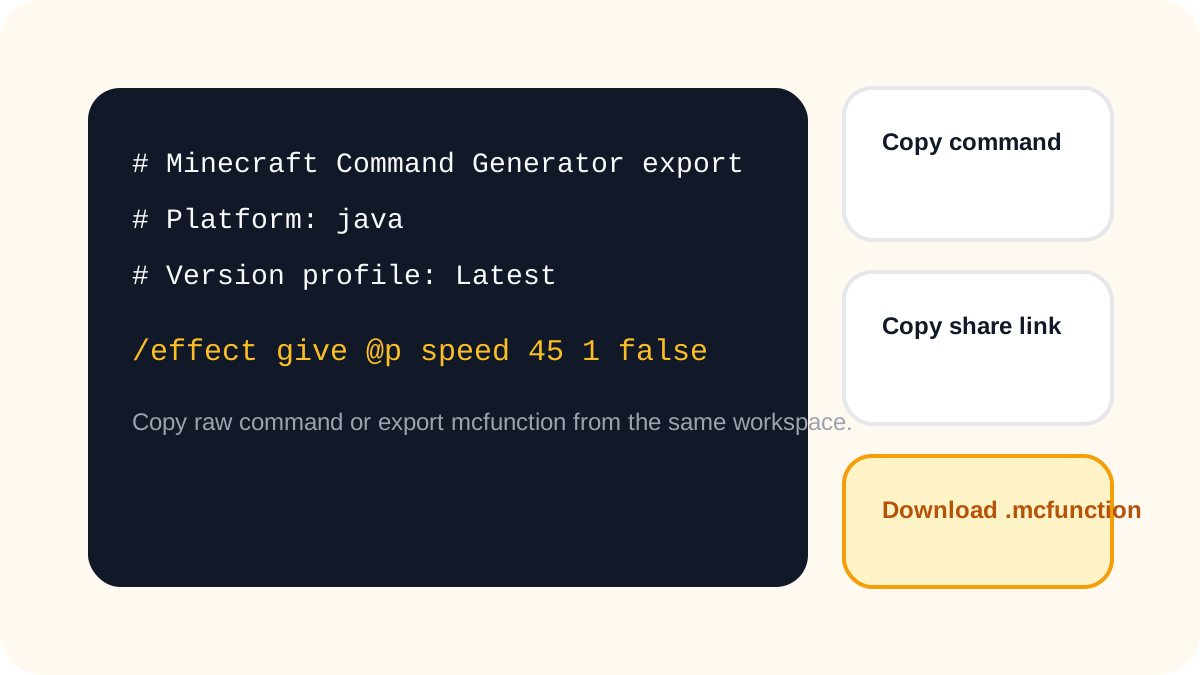
Copy the live command, export an mcfunction file, or share the current setup with one clean link.
Profile
java / Latest
Type
give
Length
74 chars
Why players like this builder

Keep the most useful command types nearby, show version details clearly, and make every command easy to copy, export, or share.

Version-aware profilesJava + Bedrock switchStarter templatesShareable output
Compatibility notes
Short notes that catch the issues command users hit most often.
Java mode keeps richer JSON text and item syntax, so this builder is strongest for Java command work.
Quick stats
Keep this workspace focused. The goal is to get a valid command out in one pass, then test it in game.
Start with the command family that matches the job you need to finish. Keeping give, summon, tellraw, title, and effect together helps you test faster without losing context.
The output stays copy-first because command builders are most useful when you can move from planning to in-game testing in one quick step.
Share links stay optional, so you can send a setup to a teammate or keep the page clean and reusable for your own next command.

Why this command builder is useful

This page is built for the commands players reach for most often: give, summon, tellraw, title, and effect. Instead of sending you through outdated docs or one-command demos, it keeps the practical options in one clear workspace.

You can switch between Java and Bedrock, start from a real template, and copy or export the result as soon as it looks right. The goal is simple: less syntax hunting, faster testing, and fewer broken commands in game.

Most-used command families

Start with the command types players and admins open most often, so the builder feels immediately useful instead of overwhelming.

Version-aware output

See when syntax changes between Java profiles or Bedrock-friendly output so you can test the right command the first time.

Copy and export

Copy the live command, generate an mcfunction snippet, or download the file without leaving the builder.

Focused workspace

The builder keeps the fields that matter close by and moves the quick compatibility notes right next to the output.

What makes this command page practical
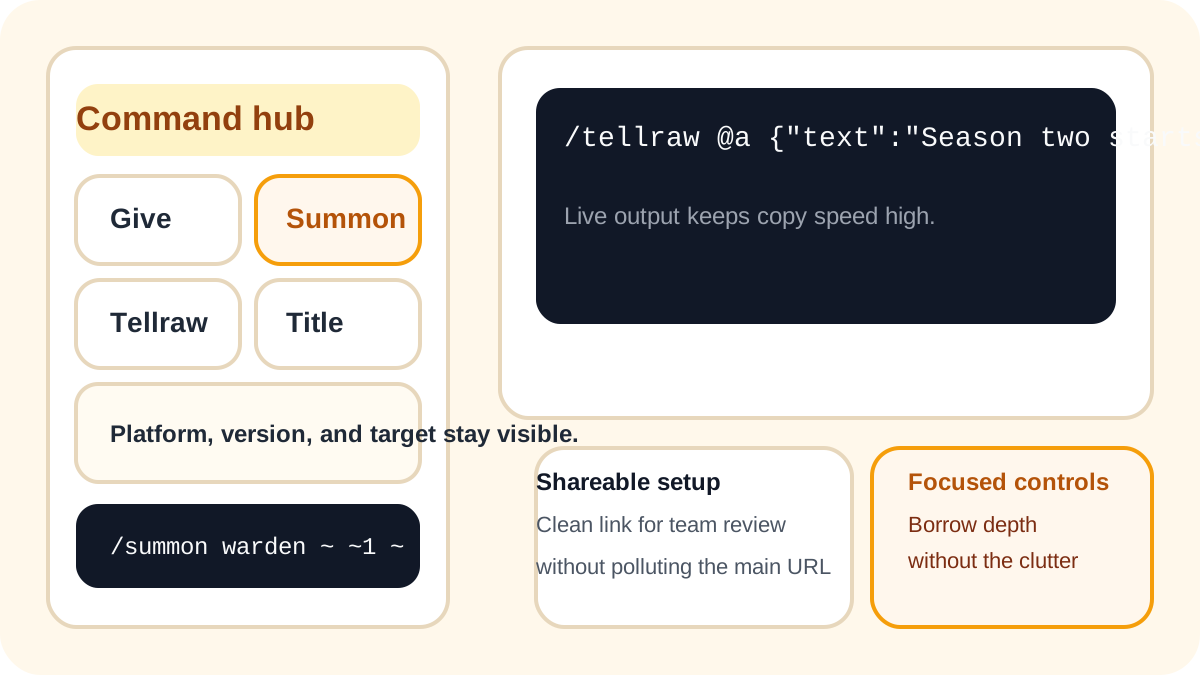
A useful command builder should help you finish a working command quickly, understand which syntax you are using, and keep sharing or export steps simple.
minecraft command generator command hub with give summon tellraw title and effect builders

Real command types instead of filler demos
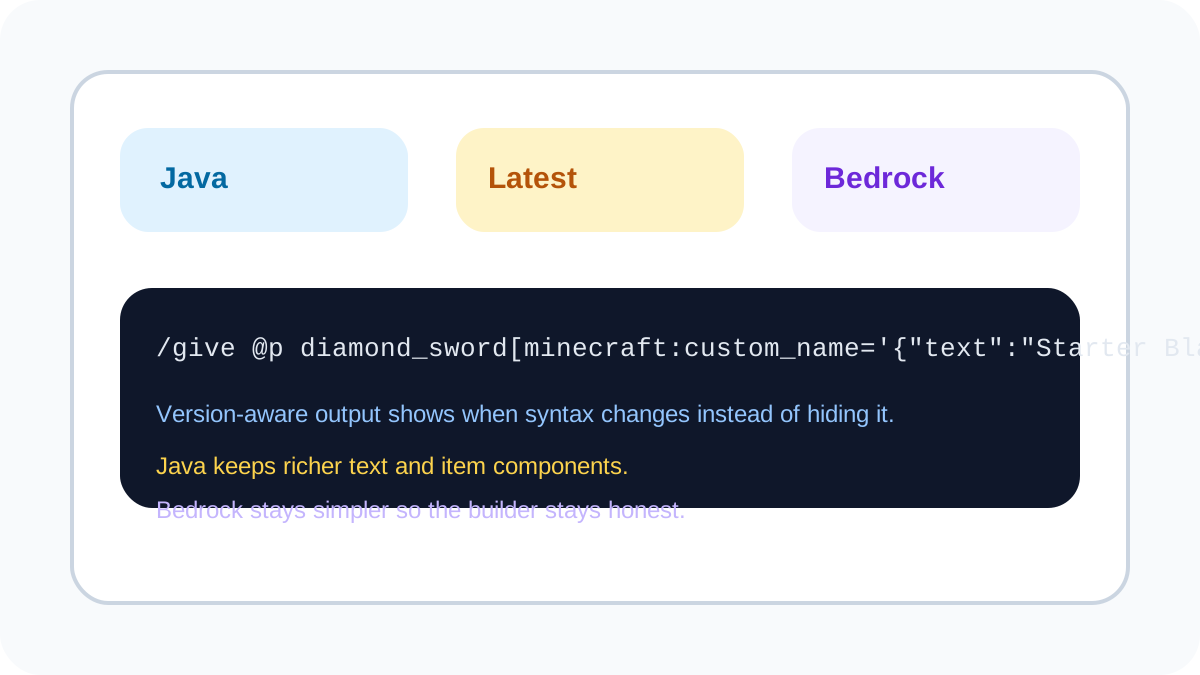
Players usually need a give, summon, tellraw, title, or effect command right away. This page starts with those practical workflows instead of burying them behind generic examples.
minecraft command generator version aware builder for Java and Bedrock command syntax

Version and platform clarity

Strong command tools respect how fast syntax changes. This builder keeps Java and Bedrock profiles visible so you can make edits with confidence.
minecraft command generator output area with copy command share link and mcfunction export

Copy-ready output for testing

A good builder should reduce friction after setup. Keep the command in a clean output block, copy it once, or export an mcfunction file when you are ready.

Starter templates for common jobs

Templates help you move from idea to test quickly. Start with rewards, event messages, boss spawns, titles, or effects, then tweak only what your world needs.

Practical Bedrock support

Bedrock output stays simpler on purpose. The goal is not fake parity with Java, but realistic commands that are easier to paste and test.

Shareable setups without clutter

Generate a share link when another admin or creator needs the same setup, then come back to a clean workspace for the next command.

How the command builder works

4 simple steps

1

Choose a command family

Start with give, summon, tellraw, title, or effect so the page matches the job you want to finish.

2

Switch platform and version profile

Use the Java or Bedrock toggle, then pick the version profile that best matches your world or server.

3

Fill only the fields that matter

Edit the target, item, entity, text, or effect values you need. The workspace keeps the form focused.

4

Copy, share, or export

Take the command, save an mcfunction file, or send a share link when another admin needs to review the setup.

FAQ

Quick answers about syntax, platforms, and what this builder covers today.
1

Is this tool free to use?

Yes. You can build commands, copy the output, share the setup, and download an mcfunction file without a paywall in the current release.
2

What commands does this page support first?

The page starts with give, summon, tellraw, title, and effect because those are some of the highest-intent command searches and the best fit for a practical minecraft command generator.
3

Does this builder support Java and Bedrock?

Yes, but not in the same way. Java output is richer and supports deeper formatting. Bedrock output stays simpler on purpose so the generated command is more realistic and easier to test.
4

Why not build every command in one huge screen?

Because oversized command screens get slow and hard to scan. This page keeps the fields that matter for the supported command families so you can finish faster and test with less noise.
5

Can I share my current setup with another admin?

Yes. The tool can generate a share link with the current builder state, but the visible page URL stays clean after load so the main keyword route does not turn into a long parameter page.
6

Is this page affiliated with Mojang or Microsoft?

No. This is a fan-made command tool and is not affiliated with Mojang, Microsoft, or Minecraft.

Open the Minecraft Command Generator and build cleaner commands faster.

Use presets, compare Java and Bedrock output, and export commands without leaving the page.